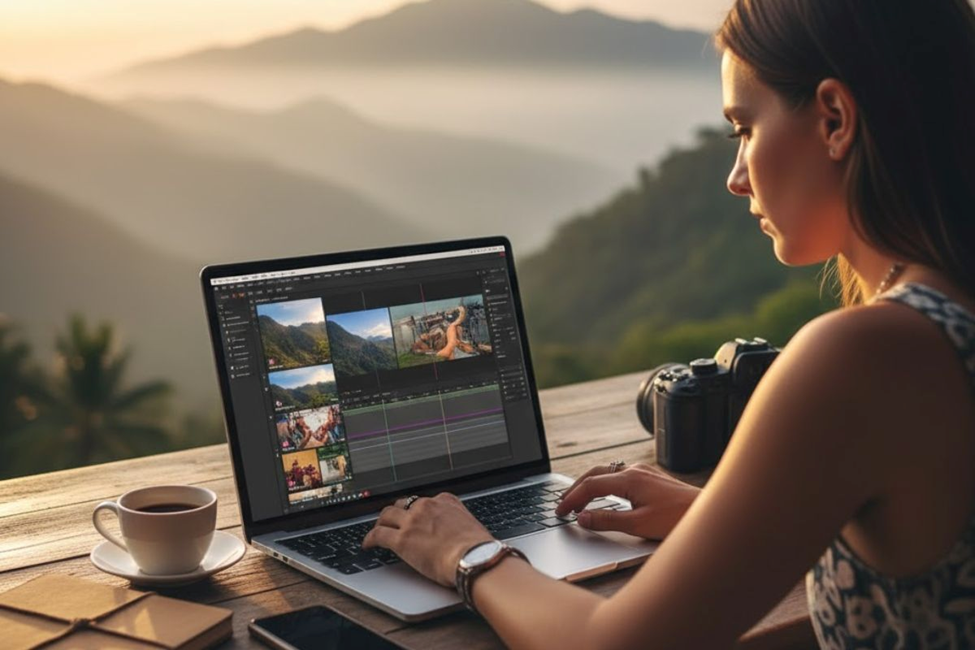
Creating travel videos has become one of the most engaging ways to share your adventures with the world. Videos offer a well-rounded sensory experience that combines visual motion, sound, and story to bring your personality to life. When you think about food blogging or showcasing the atmosphere of a destination, videos capture the emotion and experience of eating something delicious in a way that photos simply cannot match.
If you’re committed to learning how to make better travel videos, there’s massive potential waiting for you. YouTube stands as the biggest video platform and the world’s second largest search engine in the world. This makes it a prime source for both getting traffic and making money from your content.
Why Make a Travel Video in Today’s Market
The average American traveler budgets over $4,500 for leisure travel each year. It makes sense that any DMO or travel business would try to get their slice of that pie. One of the best ways to capture attention is through high-quality videos, especially short-form content.
Crowd Riff’s 2025 Trends Report found that destination marketers plan to prioritize short-form video on platforms like Instagram Reels, TikTok, and YouTube Shorts this year as a key marketing tactic. What’s staggering is that 98 percent of DMOs across every budget bracket said they plan to distribute creator content through Instagram ads.
The most interesting finding in the report is the impact social media content has on people planning vacations. Gen Z now searches TikTok over Google for travel ideas, and 77 percent of all travelers now use social media in the early stages of trip planning. Meanwhile, 81 percent of destination marketers surveyed have seen an increase in engagement on social media when they’ve used user-generated content (UGC).
Define Your Story First
Every travel video needs a strong story at its core. According to Harvard Business Review, our brains naturally love stories because we’re attracted to following narratives that we can share with others. Before you decide to film anything, you need to approve a basic formula that works as your producer mindset.
The story you want to tell should be clear from the start. Think about what topics will make your audience engaged for the full 10 minutes they spend watching. Whether you’re walking them through a destination or sharing an inspirational experience, the story is the most important component of any video. Even amazingly filmed scenery videos with gorgeous footage and background music will leave viewers bored after a minute if there’s no compelling narrative driving them to the next moment.
Film Your Video with Purpose
The key is to think about how each clip will fit into the sequence like pieces of a puzzle. Raw clips need to be cut and arranged to create a flowable story that makes sense from beginning to end. This is where the real magic happens in turning random footage into something people want to watch all the way through.
Types of Videos You Can Create
Travel vlogs are essentially video blogs that feel personal and natural, like reality TV but centered around your trips. They don’t need to be perfectly edited or filmed in a selfie style like some BBC production. The top vloggers build trust with their audience by being natural and sharing helpful tips about where to stay, which restaurants to eat at, and what to see.
Travel guide videos work differently as they’re more like a destination video that’s optimized for search engines. When people are planning a trip, these “Things To Do” style videos help inspire them and provide practical information. These pillar-style videos can be huge for getting views on both YouTube search and Google search because they target what people are actively looking for.
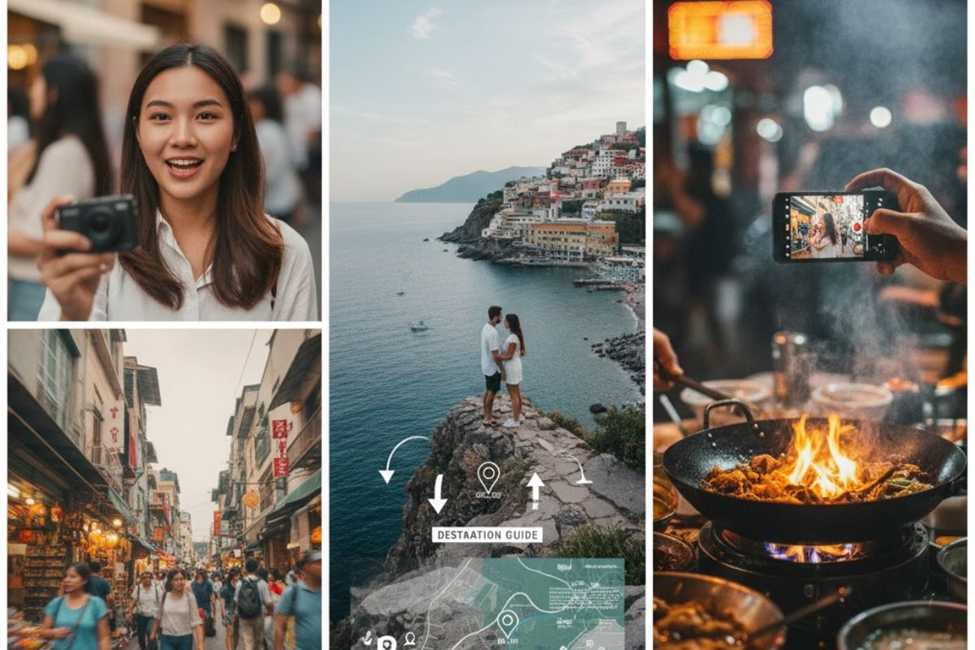
Niche videos let you focus on your specific passion, like food travel, where the majority of your content revolves around culinary experiences. Then there are explanation or marketing videos that are hugely effective for promotions. These work great on your About page or as one of the most viewed pages on your travel blog, putting a face and voice to your work to make it feel more trustworthy, personable, and credible.
Keep Your Videos at a Good Length
Building your video with good length in mind is important, and each social media platform has its own sweet spot. Most successful travel videos on YouTube aim for somewhere between 3-10 minutes. You should try different length videos to see what works for your audience on each platform.
Sometimes shorter 1-minute videos do well on TikTok and Instagram Reels for quick tips, while longer 15-minute videos work better for in-depth travel guides on YouTube and Facebook. The actual editing process is pretty easy to learn once you get the hang of it, depending on which software you use.
Essential Editing Tools and Software
For video editing software, there are several programs you can use to edit your videos professionally.
Adobe Premiere is a popular choice for many creators, while Macs often use Final Cut. Lightworks: If you need good free editing software to start with, it is a solid option that won’t cost you anything upfront.
CapCut was the highest-rated tool in our social media poll, and it’s one that many Instagrammers swear by. It’s a full online editing suite that allows creators to edit video clips using templates, add transitions and presets, and include auto-caption text. The basic version is free, and you can access the Pro version for just $7.99 per month.
For creators who want to keep their edits simple, Filmora is another tool worth exploring. It features built-in templates, stock media, and transitions. It also has a ton of AI-based features for things like thumbnail creation and editing advice to help you publish your masterpieces faster. The starter plan costs around $120 per year, making it affordable for most budgets.
Instagram Reels templates
Instagram templates are a built-in Instagram feature that many people overlook. These templates allow you to trim, edit, and create a Reel right on your phone. Just pick a template you like, add your audio, and drop your existing video into the editor. The cool thing about this tool is that if a specific template worked well for you in the past, you can recycle it and just add new footage to create fresh content quickly.
Voice-over recording is another valuable technique where you’re overlaying your voice onto video footage. This is a good way to add value and information to your travel videos while keeping them interesting and engaging.
It takes time to master, but it’s worth it, especially for destination-style videos where you’re explaining what viewers are seeing on screen.
Music can make or break your travel video, so choose wisely and make sure it fits the mood you’re trying to create. Be very careful about copyrights when selecting music. Unless the music is properly licensed for you to use for profit, you need to credit the producer.
Fortunately, there’s plenty of royalty-free music available from artists like Kevin MacLeod and Josh Woodward who make their work free to use. You can occasionally purchase tracks from sites like Premium Beat or Audio Jungle, or check out subscription services like Audio Network and Audio Blocks.
Natural background sounds also add to the experience of your video. When you’re dealing with real people and places, viewers enjoy hearing the authentic sounds of where you are. This adds atmosphere to the viewer experience and makes your destination feel more real and alive. Where appropriate, consider using less music and letting natural background sounds shine through instead. Many creators have learned from people commenting on their videos saying they like to hear the actual ambient noise of places.
Craft the Perfect Title
Your YouTube video title is one of the best things you can optimize.
Make sure your main keywords appear at the beginning of the title because this is the most important part. Your title also needs to be attractive and make sense at the same time.
Write a Detailed Description
The YouTube video description box is where you can include more information about your video. It’s a good idea to include your keywords naturally throughout the description box. Don’t just shoot for 100 words; aim for 300-500 words in your video description boxes to give YouTube and viewers plenty of context. You can also include links to your blogs, social media platforms, or wherever else you want to direct viewers to continue engaging with your content.
Use Keyword Tags Strategically
List your target keyword as the first tag when you’re adding tags to your video. Then go crazy adding synonyms and related keywords that you think people might search for.
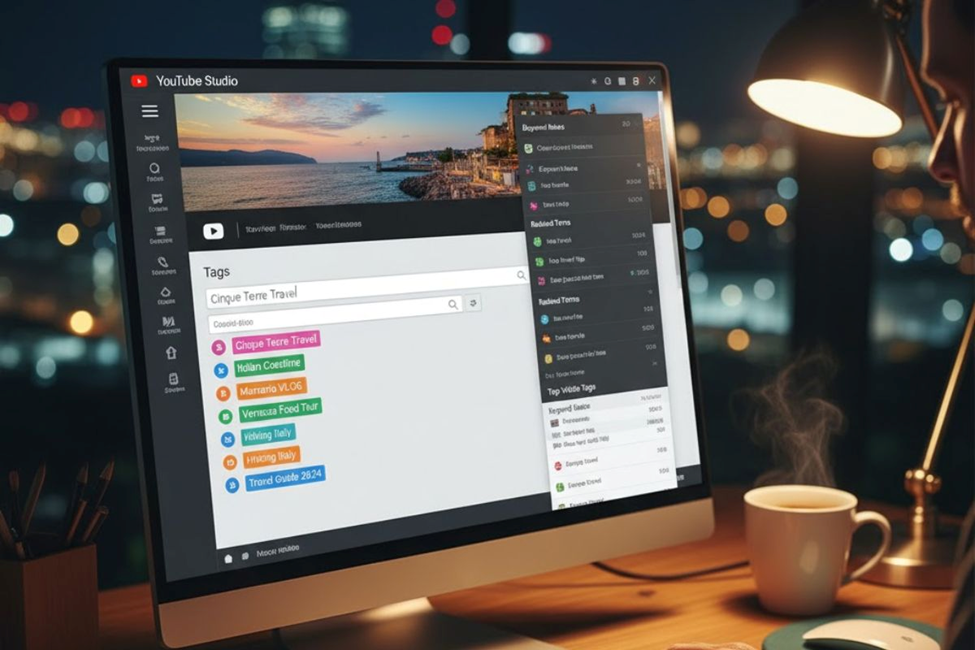
This helps YouTube understand what your video is about and when to recommend it to viewers looking for similar content.
Conclusion
Making compelling travel videos isn’t just about having the best camera—it’s about weaving stories that resonate with viewers while leveraging the right editing tools and SEO strategies. With short-form content dominating platforms and 77% of travelers using social media for trip planning, now’s the perfect time to refine your video creation skills. Focus on authentic storytelling, choose the editing software that matches your workflow, and optimize every video with smart titles and descriptions to capture both the algorithm’s attention and your audience’s imagination.
FAQs
What’s the ideal length for travel videos on different platforms?
Keep YouTube travel guides between 3-10 minutes for best engagement, while TikTok and Instagram Reels perform better with snappy 1-minute clips that deliver quick value.
Which free editing software works best for beginners making travel content?
CapCut offers a powerful free version with templates and auto-captions, while Lightworks provides solid professional features without any upfront cost for newcomers.
How do I make my travel vlogs stand out from thousands of other creators?
Build trust through authentic storytelling rather than perfect production, share genuine experiences, practical tips, and let natural ambient sounds bring destinations to life.
What role does YouTube SEO play in getting views on travel videos?
Place main keywords at the start of your title, write 300-500 word descriptions with natural keyword integration, and use strategic tags to help YouTube recommend your content.
Can I use popular songs in my travel videos without copyright issues?
Stick to royalty-free music from artists like Kevin MacLeod or licensed tracks from Premium Beat to avoid copyright strikes while maintaining the right mood for your footage.
No Comments yet!