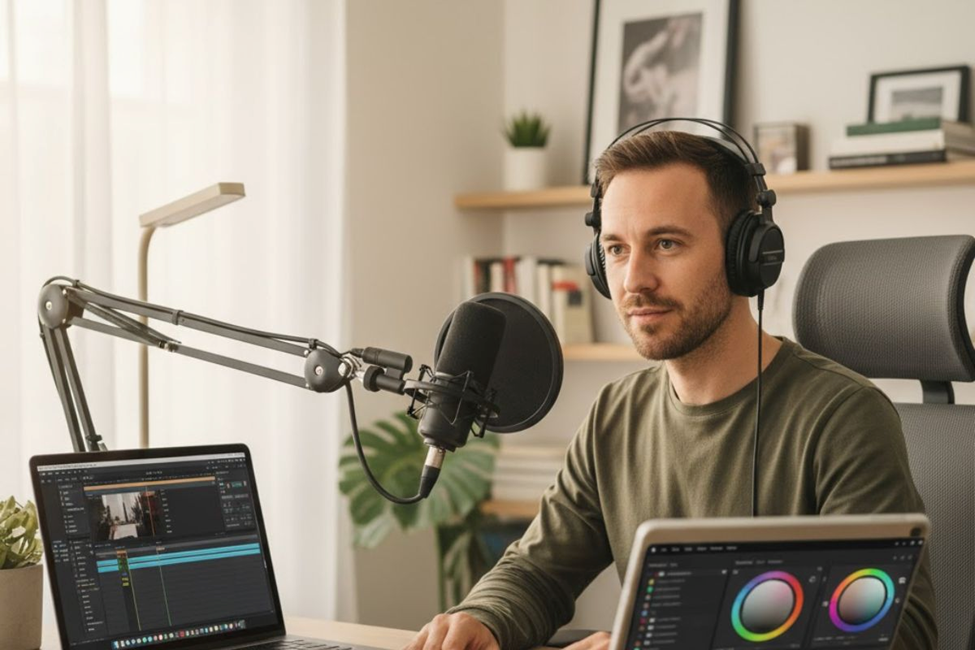
The rise of podcasting has opened incredible opportunities for content creators. If you’ve been producing videos, there’s a massive untapped audience waiting to consume your content through audio-only formats. The question isn’t whether you should repurpose your video into a podcast—it’s how to do it effectively.
Why Transform Video Content Into Audio Format
Video content requires full attention. Your audience needs to sit down and watch. Audio podcasts, however, fit seamlessly into daily routines—during commutes, workouts, or household chores. By converting your video into an audio-only podcast, you’re not abandoning your video audience. You’re expanding your reach to people who prefer listening over watching.
Doing both formats opens multiple podcasting platforms and helps you connect with diverse listener preferences. Some platforms like YouTube now host video podcasts, while traditional podcast directories focus on audio. Publishing in both formats maximizes your audience potential without creating entirely new content from scratch.
Recording Smart: The Foundation Matters
The easiest path to repurposing starts before you hit record. Using a platform like Riverside for your video recording automatically offers multitrack recording. This means the software records audio and video for every participant on separate tracks. When you’re ready to publish just the audio, you won’t need complex editing to separate tracks—they’re already individual files.
This separate track recording gives you tremendous control during post-production. Record once, and you’ll have both audio-only and video content ready to go at the same time. Each participant gets their own track, meaning you can adjust levels, remove background noise from specific speakers, and polish the sound without affecting others.
If you’ve already recorded content without multitrack capabilities, don’t worry. You can still extract audio from video files, though it requires an extra step. Many tools let you save video as an audio file, converting your content into MP3 or other formats suitable for podcast distribution.
Method One: Creating Audio-Only Podcasts
Let’s walk through turning your video into a purely audio experience. If you recorded using Riverside, the process is incredibly straightforward.
First, either record your video in the Riverside studio or upload your own recording files. Once you’re on the recordings page, select the video recording you want to transform. Click “Go to editor” to access the editing workspace.
Inside the editor, hover over the top tool bar and select “Tracks.” Find the track you’re working with, right-click, and choose the option “Use audio only.” This instantly switches your project to audio-only mode.
Now comes the creative part—editing your audio to perfection. You might need to trim sections using the timeline. The recording transcript becomes your best friend here. Simply delete text from the transcript, and the platform will cut out the corresponding audio. It’s as easy as editing a Google doc.
Polish your sound using automated tools. Background noise removal cleans up distracting sounds. Audio-level normalization ensures consistent volume throughout. Some platforms even let you delete all silences in your recording with one quick click, tightening up the pacing.
When you finish editing, select “Export,” choose your audio quality, and click “Export” again. You’ll receive your audio-only podcast file via email, ready to share with the world.
Method Two: Video Podcasts With Enhanced Elements
Want to keep your video format while optimizing it for podcast audiences? You can now publish your video content directly to YouTube or distribute it across multiple video platforms. But taking a few extra steps creates a much more engaging experience.
Start by editing your video down a bit. Depending on the nature of your content, you might add B-Roll footage to maintain visual interest. Don’t overlook the importance of creating short-form clips to promote your new video podcast. Features like Riverside’s Magic Clips automatically identify key moments from your full-length video and edit them into social-media-ready clips. These highlights are perfect for promoting content on platforms like TikTok and Instagram.
Trimming your video is straightforward when deleting text from the transcript. Your editing will likely involve cutting down or even eliminating certain sections to create an engaging narrative. Consider adding sound effects depending on the nature of your video. These elements make your content feel more professional and polished.
Essential Elements for Professional Podcasts
Captions and Transcripts
AI-powered transcription features automatically transcribe your video content. Create video podcast captions from this transcription for better accessibility and engagement. Some podcasters also choose to include the full transcription in their podcast description, making content accessible and improving search engine visibility.
Podcast Cover Art
You need to create podcast cover art before you go live. Make one yourself using a tool like Canva, or hire a freelancer if design isn’t your strength. Your artwork should be square, ideally 1400×1400 pixels. Make sure it’s clear and eye-catching, and includes the name of your podcast. This visual identity helps your podcast stand out in crowded directories.
Descriptions and Chapters
To attract new listeners and give them a flavor of what your video podcast is all about, include a description for each podcast episode. Try to avoid writing anything too wordy. Keep things quick, concise, and still intriguing—that’s the balance you’re trying to achieve.
On certain platforms like YouTube, including podcast chapter markers with segment timecodes is a helpful way of helping your audience navigate your content. Listeners appreciate being able to jump to specific topics that interest them most.
Publishing and Distribution Strategy
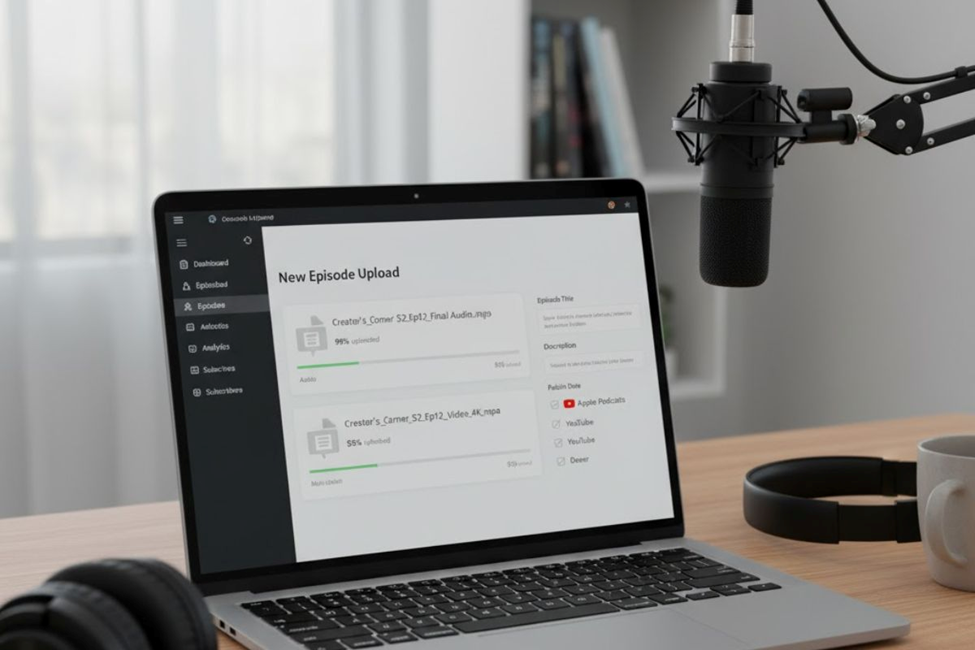
Once you’ve finished polishing up your video podcast, choose a podcast host to upload your finished product. A good host should automatically distribute your podcast to major listening platforms. This saves you from manually uploading to each directory. You’ll also need to upload to YouTube separately if you want to maintain a presence there.
After choosing your host, upload both your file and artwork. The host will generate and update your podcast feed automatically while also providing a dynamic website where your podcasts can live.
Finally, submit your podcast to directories like Apple Podcasts, Google Podcasts, and Spotify. This ensures your podcast can be found and enjoyed by people through whatever ways they choose to listen.
Promotion Makes the Difference
Your podcast is not going to do much good if nobody’s listening. Part of your post-publication workflow should include podcast promotion, especially if existing audiences might not realize you’ve started publishing podcasts.
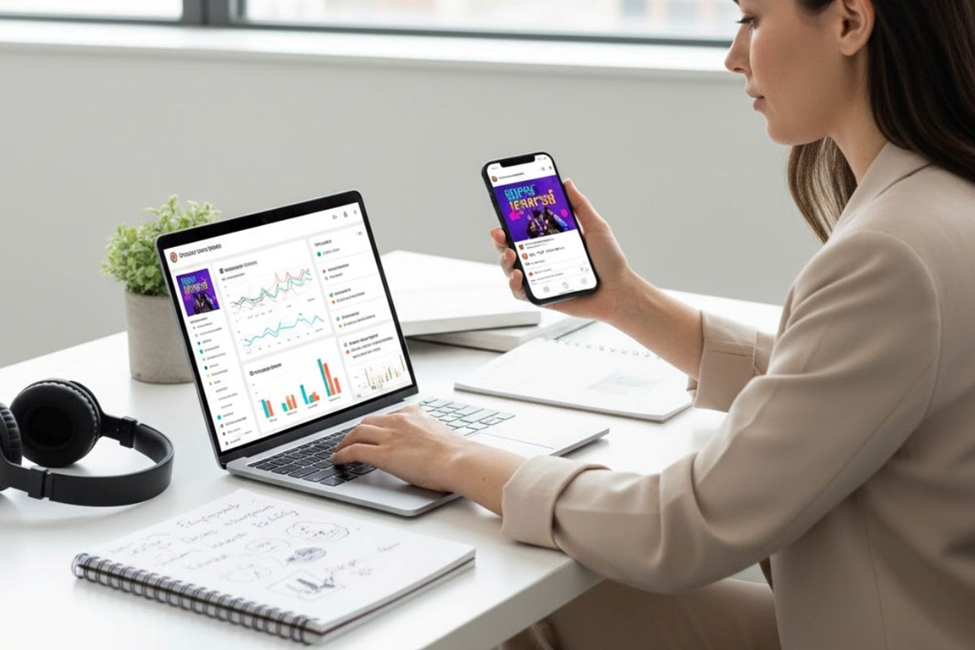
Use social media to make it easy for people to share your content. Create beautiful images about your podcast. Share soundbite clips that tease your social media audience about upcoming podcast episodes ahead of time.
Provide a transcript of each episode on your website so people can read it. Search engines will also index this content and lead more people to discover your show.
Invite guests onto your show and ask them to promote it to their audiences. Likewise, ask to be a guest on other shows so new people can get to know you. Be sincere with your audience, and they’ll feel loyal and eagerly await future episodes.
Optimizing Your Workflow
If you’re going to be turning videos into podcasts regularly, it’s worth changing up your workflow to minimize the amount of work you have to do. Think about which elements of your video you want to keep and which you might potentially cut out.
Consider the length carefully. What might have worked for purely video content might not fit into what’s considered ideal for podcasts. Audio listeners have different attention spans and consumption patterns than video viewers.
Keep your audience diverse by publishing your podcast in both audio and video formats. You’re not doing away with video completely—you’re maximizing reach across different platforms and audience preferences.
Add branding elements to build up a loyal, consistent podcast listenership. You want your audience to become familiar with your podcast style. Introduce recognizable elements like an intro jingle or certain recurring segments. This might require additional editing and reworking of your pre-recorded video, but it’s worth the investment.
Performance Tracking and Improvement
After you release your podcast to the world, don’t forget about it. Keeping on top of your podcast analytics and monitoring performance is a great way to keep improving your content moving forward. Look at which episodes perform best, where listeners drop off, and which topics generate the most engagement.
Conclusion
Transforming your video content into podcasts isn’t just smart, it’s essential for reaching audiences wherever they consume content. With the right recording setup, editing tools, and distribution strategy, you can double your reach without doubling your workload. Start with quality multitrack recordings, polish your audio carefully, and don’t skip the promotional work that helps listeners actually find your show. Whether you choose audio-only or video podcast formats, consistency and strategic publishing across multiple platforms will build the engaged audience every creator dreams of having.
FAQs
Can I turn old videos into podcasts without re-recording everything?
Yes, you can extract audio from existing video files and convert them into podcast-ready MP3 formats using various tools.
What’s the ideal podcast cover art size for directories?
Podcast cover art should be square, ideally 1400×1400 pixels, with clear text and eye-catching design for maximum visibility.
Do I need separate hosting for audio and video podcasts?
A good podcast host distributes audio automatically, but you’ll need to upload video podcasts to YouTube separately for dual-format reach.
How do I make my podcast episodes easier to discover online?
Include detailed descriptions, full transcripts on your website, chapter markers, and promote clips on social media to boost discoverability.
What’s the biggest advantage of multitrack recording for podcasts?
Multitrack recording gives you separate audio files for each participant, allowing precise editing and professional sound quality without affecting others.
No Comments yet!