Understanding the Legal Aspects of Social Media Videos
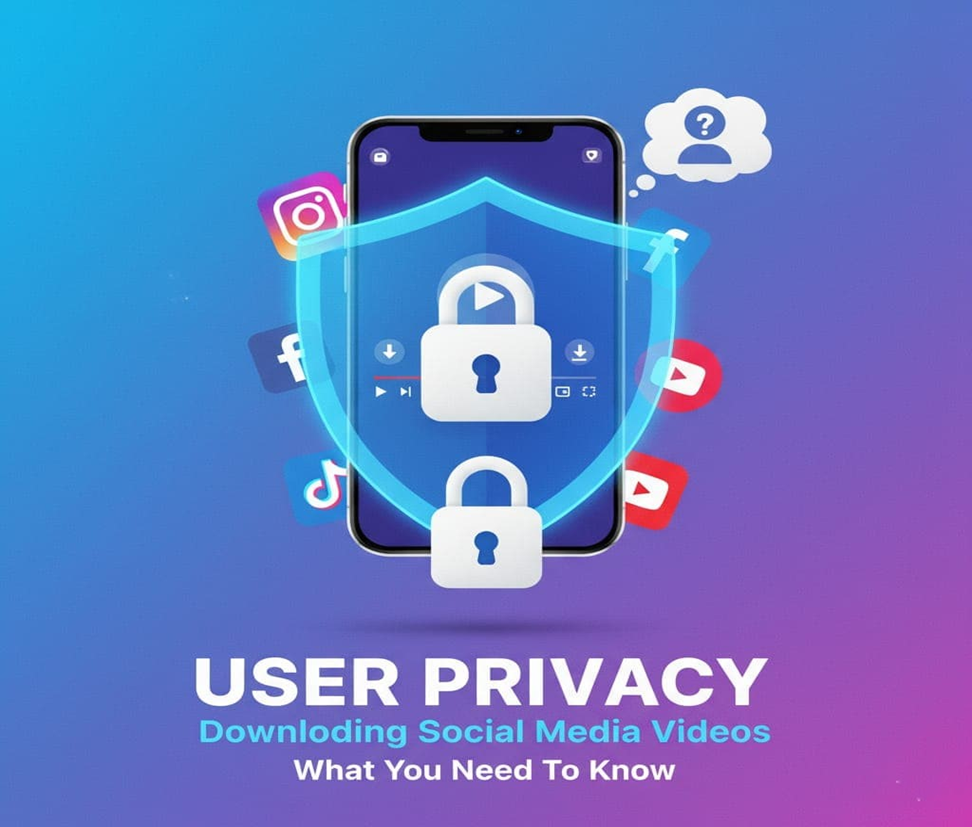
When you want to download videos from social media, keeping your privacy and security in mind is the main key. If you’re not careful, you could face many risks beyond file access. To keep your personal info safe, be careful about sharing details on video download sites. Use strong, unique passwords and turn on two-factor authentication for protection. Watch out for sites that ask for too many permissions. Choose services with good reviews and make sure your browser and antivirus software are up to date.
Malware is a big problem when downloading from the internet, so be cautious of suspicious links or attachments. Always download from trusted sources to avoid malware. Before you use video download services, check their privacy policies. Look for services that are open about how they use your data. Paying attention to these tips helps safely download social media videos while keeping your privacy and data safe.
Here’s what’s important to know: copyright laws exist to protect original content, and every social media platform has its own Terms of Service that tell users what they can’t do with content. In the U.S., copyright laws are particularly strict, and fair use is often misunderstood.
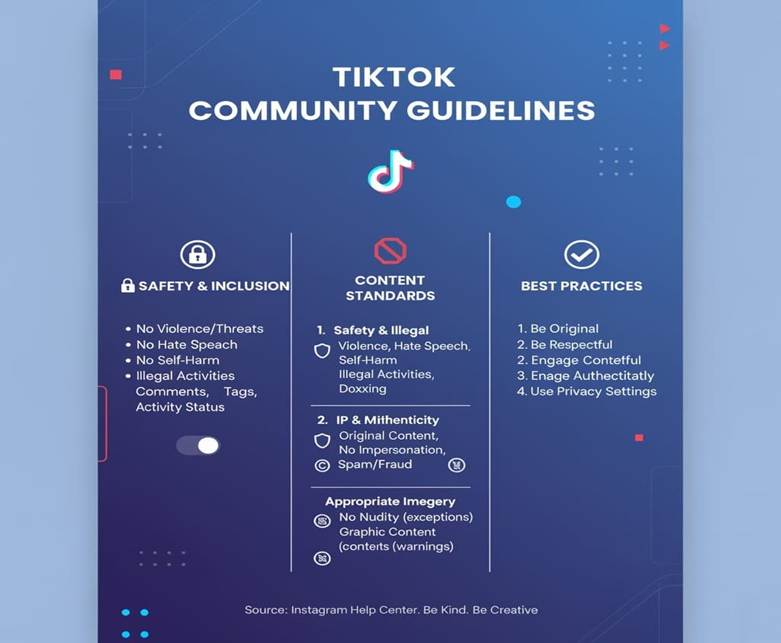
Each platform has specific rules about downloading and using videos that you should always check. For example, Instagram’s terms usually don’t let you download content unless it’s through their built-in features or with explicit permission from the creator.
Facebook lets users save videos for personal use, but sharing them publicly might break their rules. TikTok’s terms also say you can’t download content without permission, showing the need to respect creators and their work.
The only times it’s truly legal to download and use social media videos is when you have the copyright holder’s permission, when the content is licensed under Creative Commons (allowing use under certain conditions), or when a video is in the public domain, where you can use it legally without restrictions. Knowing these legal details is vital for using social media videos responsibly.
How Different Social Media Sites Handle Video Downloads
When you’re looking to download videos from platforms like Instagram, Facebook, or TikTok, understanding that each has its own ways of handling content becomes absolutely important.
TikTok allows direct downloads through its app with a watermark, while Instagram and Facebook don’t provide built-in download buttons, requiring you to use third-party tools or screen recording features. What’s true is that before saving content, you need to respect the creator’s rights and the platform’s terms of service, especially when it comes to personal use versus redistribution.
Each of these social media sites has different privacy policies and copyright rules that protect both creators and users.
Is it legal to download videos from Instagram?
Downloading videos from Instagram needs careful thought because of its unique features, like Stories and Feed Posts. When downloading Instagram videos legally, the key is to know the difference between these two types of content: Handling Stories vs Feed Posts. Understanding these distinctions helps protect user privacy while respecting platform guidelines properly.
Handling Stories vs Feed Posts
Instagram Stories vanish after 24 hours, while Feed Posts stay unless deleted. To download Instagram Stories, use third-party apps that capturecontent beforeit disappears. For Feed Posts, browser extensions or apps can download videos directly. Understanding these methods protects privacy while preserving content you need.
Legal Ways to Download Videos from Facebook
Facebook lets users download videos through different ways, but it’s vital to think about the video owner’s privacy settings first. Downloading videos from Facebook safely means respecting the privacy and rights of creators, something I prioritize after accidentally violating someone’s preferences once. Being important to check permissions protect everyone involved properly.
Understanding Access Levels Before You Save Content
Downloading public content from Facebook is usually okay technically, but private content requires permission and authorization from the owner. Even when users can access public posts, you still need consent before you download any video, as the owner retains rights regardless of visibility settings.
Safe way to download TikTok videos
TikTok, famous for short videos, makes downloading simple, but needs you to follow the platform’s rules. Users can download TikTok videos using third-party apps or browser extensions, but must make sure these methods follow TikTok’s terms of service and respect creator permissions.
Staying Within YouTube’s Legal Download Framework
YouTube lets users download videos through its Save for offline viewing feature available to Premium subscribers, while non-subscribers can also save videos legally using third-party software that respects YouTube’s rules and creator permissions, ensuring you don’t violate copyright or terms of service when accessing content offline.
Navigating Twitter’s Video Saving Landscape
Twitter makes it possible to share content easily, but download videos can be a bit tricky since the platform lacks native download options. Downloading videos from Twitter legally requires you to look at third-party tools that follow Twitter’s policies rather than built-in features. Knowing the legal ways to save videos across social platforms and using safe video downloading methods helps users enjoy their favorite content in a way that will also respect the rights of creators.
Finding Trustworthy Tools for Downloading Social Media Videos
Downloading social media videos safely and legally is the point when choosing from the many tools and software out there. This guide will help you find the best ones that respect the law and keep you safe online while accessing content responsibly.
Choosing Extensions That Prioritize Legal Compliance
Browser extensions make downloading social media videos easy. Video Download Helper works on Firefox and Chrome helps download videos while following copyright laws. Fastest Tube, another good choice, downloads videos and lets you pick quality settings for your saved content.
Reliable Software Solutions for Video Saving
Desktop applications offera full solution for saving content 4K Video Downloader, downloads videos from YouTube, Facebook, and TikTok. It supports many formats and qualities, making it versatile for different user needs.
Mobile Apps for Secure Video Saving
Video Downloader Pro, a top app for iOS and Android, downloads videos safely and legally from many platforms.
Online services for Video Downloading
Online services provide another easy way to download videos, but always check their security first. Look for HTTPS encryption and read reviews before using them. Be careful with sites that ask for personal info or push extra software downloads.
Checking If Your Source Is Safe
Before you download, make sure the source is trustworthy. Look for official websites or well known services that respect user privacy. Avoid third-party sites that might have malware or break copyright laws. Verifying legitimacy protects your personal data and keeps your downloads legal and secure.
Protecting Your Device from Hidden Threats (Scanning Downloads for Malware)
After downloading, scan the video for malware using antivirus software. This protects your device from threats that compromise privacy. Keep your antivirus updated. Regular scanning ensures downloaded content doesn’t expose your personal information or harm your technology.
Privacy Risks When Downloading Social Media Videos
1. Hidden Malware:
Free or unknown video downloader can install malware or spyware, risking your data privacy and device security.
2. Data Tracking:
Many download sites collect your IP address, cookies, and browsing data for advertising or resale.
3. Phishing & Account Theft:
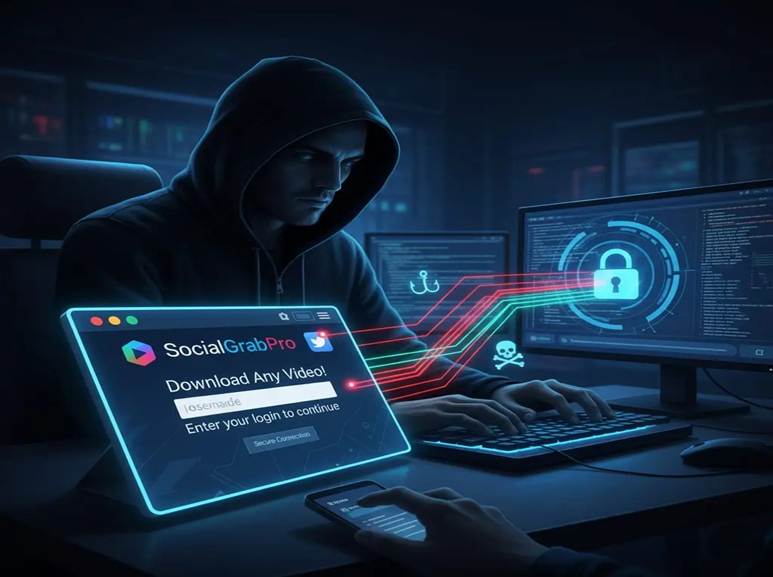
Fake tools asking for social media logins can steal your account credentials and personal data.
4. Private Content Violation:
Downloading and sharing private or non-public videos can breach privacy laws and platform policies.
5. Metadata Exposure:
Saved videos may include hidden metadata (like GPS or device info) that compromises your online privacy.
6. Unsafe App Permissions:
Some mobile download apps request unnecessary permissions such as access to contacts or camera.
7. Fake Payment Traps:
Premium “HD download” offers may lead to credit card scams or subscription fraud.
8. No HTTPS Protection:
Downloading from unsecured websites can expose your data to hackers and tracking tools.
Things to Avoid When Downloading Social Media Videos
1. Avoid Untrusted Video Downloader Websites
Never use unknown or unsafe video downloaders. Many contain malware, spyware, or phishing links that can steal your personal data and harm your device security.
2. Don’t Enter Social Media Login Credentials
Always avoid download tools that ask for Facebook, Instagram, or TikTok login details. These are often phishing scams designed to hack your accounts and compromise user privacy.
3. Avoid Downloading Private or Copyrighted Content
Downloading restricted or private videos violates privacy laws, copyright policies, and social media community guidelines. Use only authorized public content.
4. Avoid Apps Requesting Unnecessary Permissions
Stay away from video downloader apps that demand access to your contacts, gallery, or location. These permissions can lead to data breaches and identity theft.
5. Avoid Non-Secure (HTTP) Websites
Only use HTTPS-secured downloader tools. Unsecured websites can expose your IP address, login sessions, and personal browsing data to hackers.
6. Don’t Click Fake Download Buttons or Pop-Ups
Pop-up ads or fake “Download Now” buttons often redirect to spam or malicious sites that collect your user data or install adware.
7. Avoid Ignoring Privacy Policies
Always review a tool’s privacy policy to know how your data is stored, tracked, or shared. A transparent policy means better data protection and compliance.
8. Avoid Reposting Without Consent
Don’t re-upload or redistribute downloaded videos without permission. It can cause copyright infringement and privacy violations.
9. Avoid Sharing Metadata-Exposed Files
Clean or remove video metadata (like GPS location or device info) before uploading or sharing to maintain online privacy and data security.
Conclusion:
Never download any video without knowing about the permissions, rights and regulations. Don’t open every link. Always download from the authentic sources or apps
FAQs
How can I protect my personal information when downloading social media videos?
Be careful with third-party services, don’t share personal info unnecessarily. Use trusted browser extensions and apps that protect your privacy and should have strong security features. Always verify tools before installation to keep your data secure during downloads.
What are the safe and legal ways to download videos from Instagram, Facebook and TikTok?
For Instagram, use browser extensions or apps for public accounts. Facebook allows various online downloaders and extensions. TikTok has an in-app feature plus third-party downloaders. Always follow each platform’s rules to stay safe and legal.
Can I download YouTube videos legally?
YouTube doesn’t allow downloads without permission unless you use the download feature through YouTube Premium. Their offline feature provides legal downloads that respect creator rights while protecting your privacy and device security.
How do I avoid malware when downloading social media videos?
Use trusted tools like FSMVID, keep your antivirus updated, and be cautious about unknown sources.
No Comments yet!